


🚀 Sublimation Paper: The Ultimate Guide for Professionals
🚀 Sublimation Paper: The Ultimate Guide for Professionals
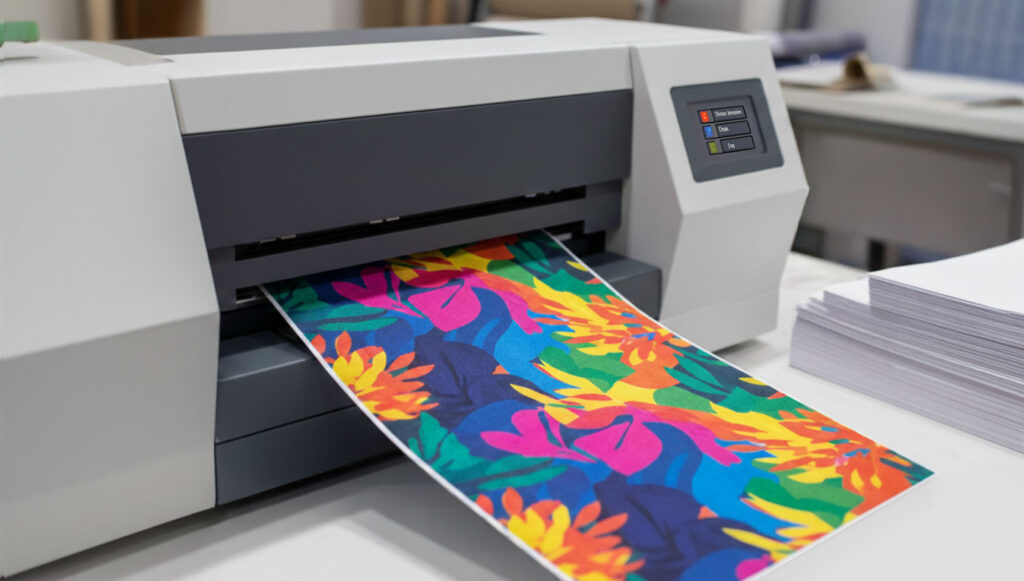
Which sublimation paper should you choose to ensure the colours don't appear dull or the paper doesn't wrinkle in the printer? If you've ever wondered whether you need a 6 g/m² or 120 g/m² paper, or why shadows appear on your T-shirts, this guide is for you.
In this post, we will clear up all your doubts: from how to choose the weight according to the type of work (textile or rigid), to how to solve those technical errors that ruin production and cause you to lose money.
ÍNDICE
What you should be clear about before choosing your sublimation paper
Do not rush to buy the paper with the highest weight thinking it is the "best"; it is worth pausing for a moment. There are 3 variables that determine which sublimation paper you actually need:
Your printer (and its format). An A4 or A3 sublimation printer that works with sheets behaves differently from a large format printer with a roll. The feed system and printing speed directly affect how the paper manages ink drying to prevent smudging the design.
Ink and colour load. If you are printing a small logo with plenty of white space, a thin paper will suffice. However, if you are printing a photographic design with deep blacks and saturated backgrounds, you need a paper that can handle that "flood" of ink without warping or touching the print heads.
The final substrate (rigid or textile). This point is crucial. A rigid substrate (such as a mug) does not absorb any ink, so you need a paper that releases it quickly and outward. On the other hand, textiles require a paper that maintains dimensional stability so that when the fibre expands with heat, the design does not lose definition.
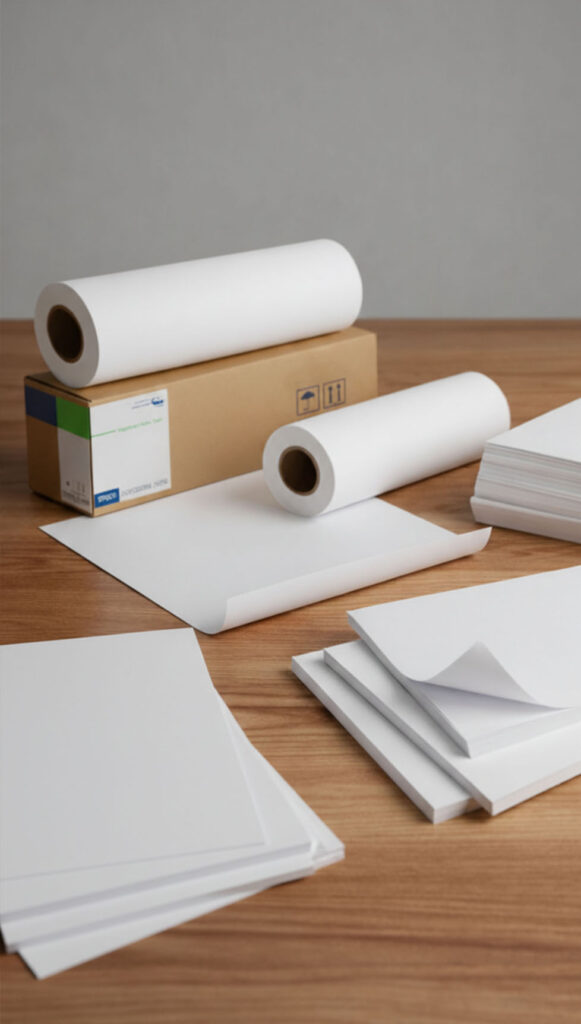
Why is the weight of sublimation paper so important?
The sublimation paper not only carries the ink: it controls how much ink is released, how it is transferred, and the conditions in which it reaches the final substrate.
Using an incorrect paper weight is often the cause of issues such as dull colours, ghosting effect, or moisture during ironing.
Therefore, rather than searching for "the best paper," it is correct to choose the appropriate sublimation paper according to the final use. To do this easily, it is advisable to differentiate between two key aspects: the type of substrate and the specific requirements of the task.
Which sublimation paper to use according to the type of substrate
The first criterion for choosing the weight of the sublimation paper is the material onto which the design will be transferred. A fabric does not behave the same way as a rigid surface, and the paper must adapt to that substrate.
| Substrate | Weight | When to use it |
| Textile | Medium-low(<105 g/m²) | Greater ink release capacity and faster transfers |
| Rigid | Medium-high(>105 g/m²) | It provides greater stability to the paper and a more even transfer of the ink |
| General use / multipurpose | Medium(≈100–110 g/m²) | A versatile option for alternating between textile and rigid materials when there are no specific requirements for speed or ink load |
Which sublimation paper to use depending on the type of work
| Project | Weight | Why choose it? |
| Fast or volume production | Low (60–90 g/m²) | Perfect for the production of textiles that require instant transfers and high speed |
| Designs with a lot of detail | Medium (>105 g/m²) | Improves the design definition and control of the transfer |
| Works with a high ink load | High (>120 g/m²) | Better control the excess or density of ink and reduce the risk of smudges or "tracking" |
| Solid backgrounds or large surfaces | High (>120 g/m²) | Avoid overprinting, tone differences, or blurred edges |
Here we provide you with a comparison of the best sublimation papers.
Common mistakes that ruin your work
Even when using the correct weight, issues can arise if certain details are not attended to. This is where many professionals get stuck, because the problem is not always obvious. In most cases, the fault is not with the machine, but rather how the paper behaves during printing and pressing.
- Moisture in the paper: Paper is hygroscopic (absorbs moisture). If you notice that the colours appear dull or blotchy, your paper might need a "pre-pressing" or to be stored in a drier place.
- Excess Ink: If you notice the paper curling when printing, it means the ink load is higher than the paper's weight can handle. Reduce the saturation in your colour profile or increase the paper's weight.
- Ghosting or ghost effect: This is the shadow or duplication that occurs when the paper moves during the transfer. Use a sheet of paper slightly larger than the product to be customised and use heat tape to prevent it from shifting during the process.
- Pressure marks after ironing: That annoying square that appears on polyester T-shirts where the paper ends. Tear the edges of the paper by hand (do not use scissors) to ensure the pressure is graduated, or use Teflon foams. We explain how to do it step by step here.
- Stains or "ant trail"?: If you see a line of repeated dots, your rollers have dragged wet ink. You need to use faster-drying paper or clean the printer rollers.

Final tips for choosing the right sublimation paper
- Do not use a higher weight than necessary: it does not improve the result and consumes more ink.
- Adjust the paper to the product, not the other way around.
- Always store the paper in a dry and stable environment.
- Changing paper results in different outcomes. You will need to review profiles and parameters.
❓Frequently Asked Questions
How do I know which side of the sublimation paper is printable? Most quality papers have a slightly different shade or the brand logo on the reverse side. If you are still unsure, there is a simple and very reliable trick: slightly moisten a corner of the paper with your tongue. The side that sticks is the printable one.
Does sublimation paper expire? It does not expire as such, but it can degrade due to humidity and ultraviolet light. Always keep the package sealed in its original bag and store it in a dry, dark place to avoid transfer issues.
When to use multipurpose sublimation paper? If you occasionally work with both textiles and rigid materials, if you are just starting and want a single paper "for everything," or if you are looking for a balance between speed, definition, and stability.
Is it really necessary to use a specific colour profile for each type of paper? It is essential. The colour profile (ICC) informs your printer how much ink to release depending on the paper you are using. If you switch paper brands or weights and do not adjust the profile, you might experience colour casts (such as blacks appearing brown or green) or an excess of ink that the paper cannot handle.
Why does my sublimation paper turn yellowish after ironing? This usually happens due to excessive temperature or time. The paper is burning. Adjust your press settings according to the product manufacturer's instructions.
What happens if my design has a lot of black? Black is the colour that "moistens" the paper the most. In designs with solid black backgrounds, the risk of the paper warping is at its highest. This is where high-quality, instant-dry paper becomes essential to ensure that all that ink load transfers to the product and does not remain on the paper.
How does paper quality affect the final result? Not all papers with the same weight perform the same. The quality of the coating (the chemical coating) is what makes the difference. High-quality paper keeps the ink droplet on the surface and releases it efficiently with heat. If you use low-quality paper, the ink penetrates the paper and becomes "trapped," resulting in dull colours and wasted ink.
I have a high-density printer (like Epson F100 or F500), which paper should I choose? Epson's F series printers typically operate with a high ink density, especially in blacks. If you use paper that is too thin with these machines, the paper will become saturated, warp, and may rub against the printhead (causing smudges). In these cases, we recommend medium to high-weight papers (>105 g/m²) that can handle the ink load without deforming and ensure quick drying.
Can I use regular paper for sublimation? No. Regular paper absorbs the ink into itself and lacks the necessary coating to release it with heat. The result will be an unpredictable design.
In sublimation, many problems are resolved before reaching the heat press. Understanding how the weight and type of paper affect each job allows you to have more control, reduce errors, and gain stability in production.
To gain more information and refine your choice, take a look at our post on How to Choose the Best Sublimation Paper.
If you have any questions, share them with us in the comments. Our team will be delighted to provide you with answers and assistance. You can also contact our Customer Service department directly for additional help.
Remember that on our social media, we daily post a wealth of ideas, offers, and the latest news related to various personalisation techniques. To stay updated on everything, follow us on Instagram and TikTok. And don't forget to subscribe to our YouTube channel to continue learning with us!
See you in the next post!
👇 Other articles that may be of interest to you:
🔥 What type of laser do you really need for your business?
🤔 xTool vs. AtomStack: which is better if you're just starting out?
🙋♂️How to store DTF prints and maximize their durability

🏞️Express personalisation on the Camino de Santiago: what to sell and how to do it in minutes
WE WANT TO KNOW WHAT YOU THINK
You may also like