


🎨 Achieve reds, blues, pinks, and more with colour laser engraving
🎨 Achieve reds, blues, pinks, and more with colour laser engraving
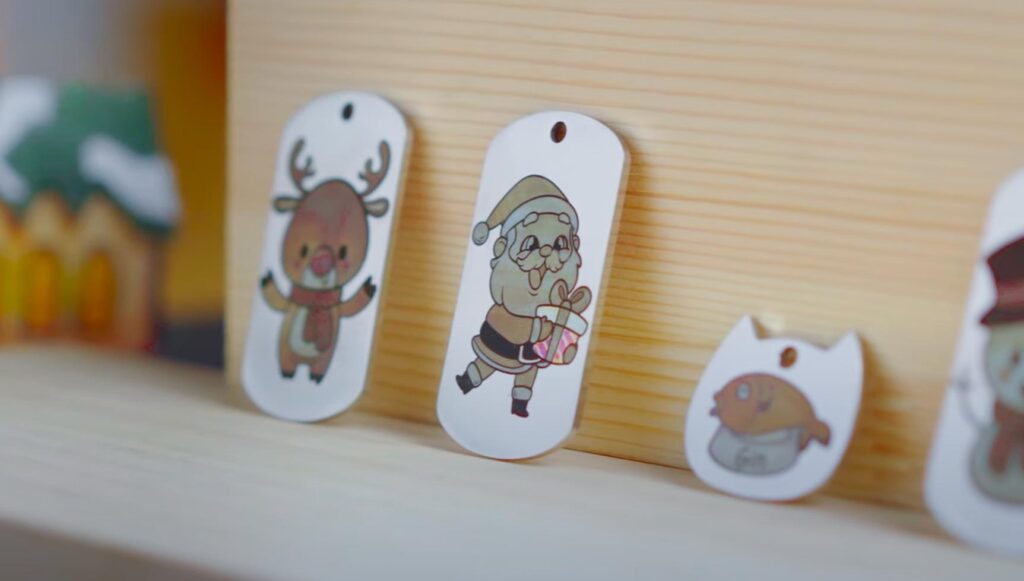
Tired of always seeing the same black or grey in your laser engravings? Would you like your laser engravings to be blue, green, pink, or yellow?
Colour laser engraving is possible, but not all materials allow it. We will explain how to do it, compatible materials, and the recommended laser. Keep reading!
ÍNDICE
What is colour laser engraving?
Colour laser engraving allows for more striking results than the classic black or grey tones. Instead of being confined to these traditional colours, this technique enables engraved surfaces to acquire shades like blue, green, pink, or yellow, making objects more attractive and unique.
This option opens up a great opportunity for businesses that have a laser engraving machine and are looking to differentiate their customised products.
How does colour laser engraving work?
In some materials, such as metals, the heat from the laser causes an oxidation reaction that naturally produces colours.
When engraving in colour, the laser heats and melts the surface of the material. During this process, the heat causes a reaction with the oxygen, producing an oxidation layer that changes the colour of the material. As it solidifies again, this layer creates the effect of colour engraving, offering a more visually appealing finish.
Depending on the laser's power, speed, and the material you choose, it will produce varying levels of oxidation and, consequently, different colours. For this reason, not all laser engraving machines can create colours.
Which materials can you add colour to with laser engraving?
Colour laser engraving is primarily applied to materials such as metals and slate-like stones, where the oxidation process allows for a variety of shades. Below, we show you which type of laser is most suitable for achieving this type of engraving successfully.
Coloured Laser Engraving on Metal
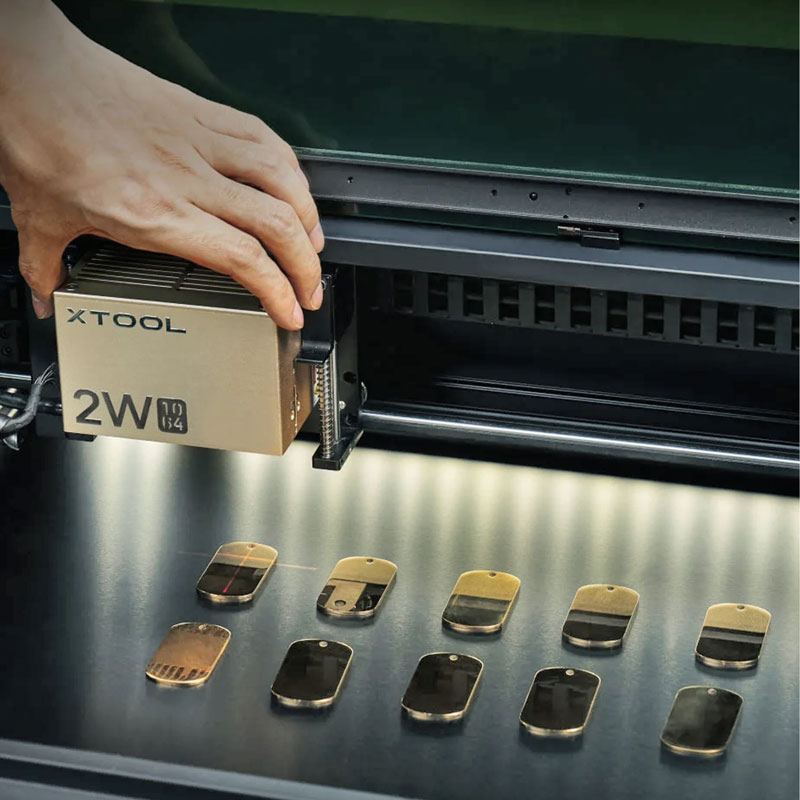
Colour laser engraving is ideal for metals such as gold, silver, stainless steel, copper, aluminium, or titanium. Fibre or infrared laser machines are suitable for working with metals as they are specifically designed for this type of materials.
Depending on the machine's speed and power settings, along with the material you choose, the engraving colours may vary. Therefore, it is necessary to conduct colour tests before starting the project, adjusting the speed and power to find the right combination that allows you to achieve the desired tones on the selected material.
Colour laser engraving on slate
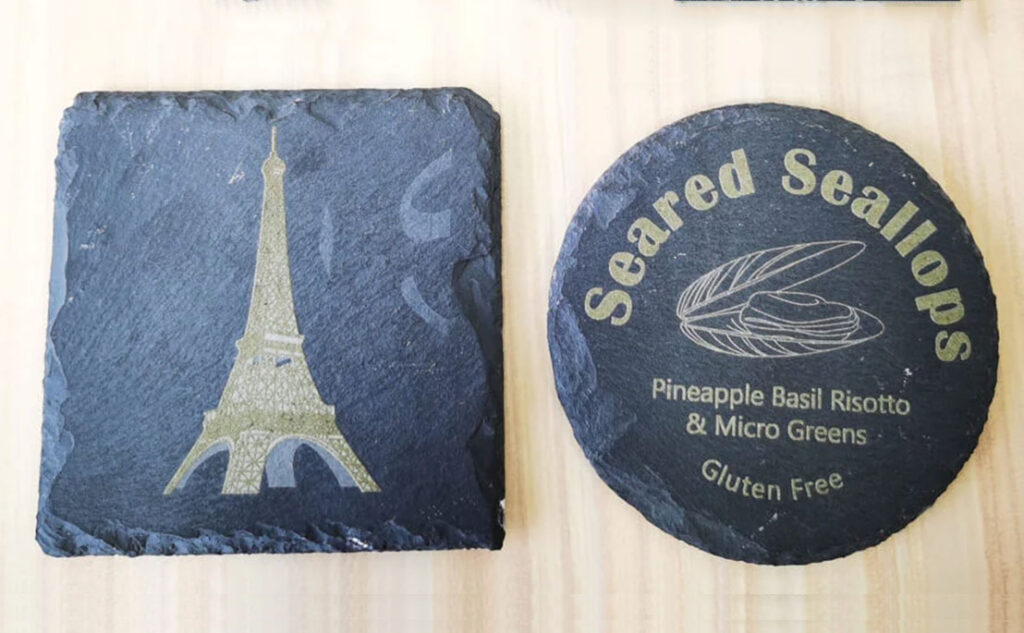
The Slate-type board is a durable natural stone with a unique texture that is ideal for colour laser engraving. Its dark tone allows engraved designs to stand out.
To engrave on slate, you can use different types of lasers: diode, CO2, or fibre, but never infrared lasers. Each offers different power levels, allowing for various shades that contrast perfectly on the surface of this material. As with metal products, you should conduct tests to see which colours can be achieved on the chosen material by adjusting combinations of speed and power.
Colour laser engraving on other materials
On materials such as glass, ceramics, acrylics… direct colour engraving is not possible. Instead, products like "colourants" such as creams, waxes, powders or laser marking paper are used. Although the result is not exactly the same as colour laser engraving, it offers you the advantage of customising and choosing the shade you desire, achieving a finish tailored to your preferences.
For engraving this type of product, you can use a diode or CO2 laser depending on the material, and then apply the "colourant" product. The process is straightforward: apply the colouring paste with your fingers over the engraved surface, remove the excess with a soft cloth that won't damage the material, and let it dry for 12 to 24 hours, depending on whether you use creams or waxes. This ensures a uniform and personalised finish.
If you use laser marking paper, the process is straightforward. Place the paper on the surface of the object you wish to engrave, following the specific instructions of the product. Then, perform the engraving with the laser machine and, once completed, carefully remove the paper to reveal the engraved design.

Which laser machine should I choose?
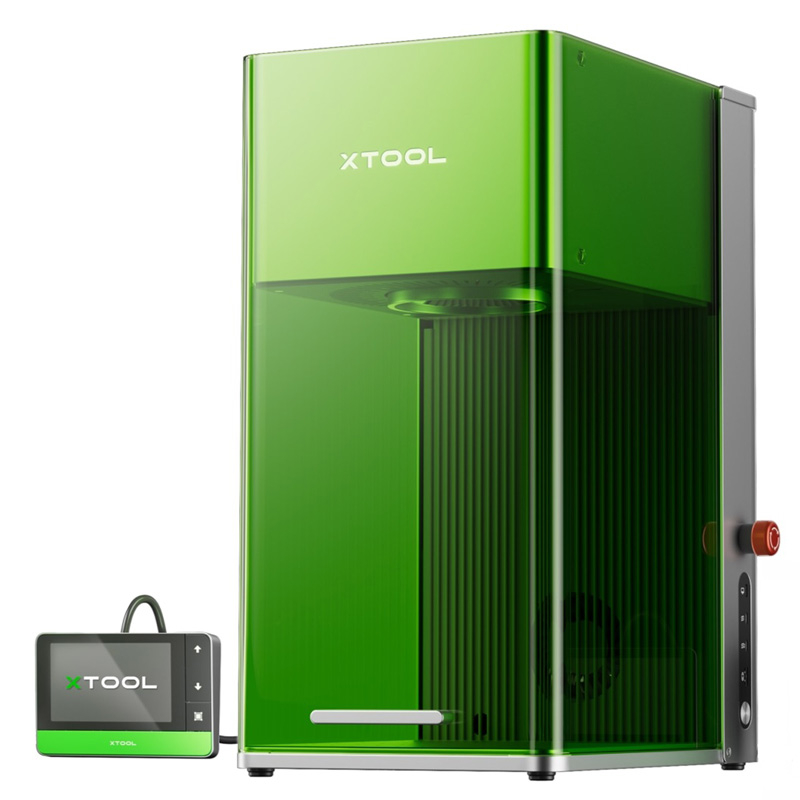
xTool F1 Ultra: diode + fibre
The xTool F1 Ultra, with a 22 × 22 cm working area that can be expanded with accessories, stands out for its 20W fiber laser. This higher power allows engraving in a wider range of tones compared to the 2W infrared laser used in the F1.
Thanks to its increased power, it is ideal for those seeking greater speed and engraving quality, especially in metal projects where more complex and varied effects can be achieved with fibre technology. It is perfect for those looking to personalise with maximum quality and flexibility in their engraving projects.
xTool F1: diode + infrared
The xTool F1 is ideal for those looking to start in laser engraving, offering excellent performance for beginners, small businesses, and professionals. It is also perfect for colour laser engraving, especially on metal, as it features a 2W infrared laser, specifically for metal engraving.
The drawback of this machine is its power, as the infrared laser is 2W, which limits the range of colours it can reproduce and may also result in slightly longer processing times compared to a more powerful fibre laser.
Additionally, the working area is 11.5 x 11.5 cm, although it can be expanded up to 40 cm by purchasing additional accessories, which can enhance the engraving capability for larger projects.
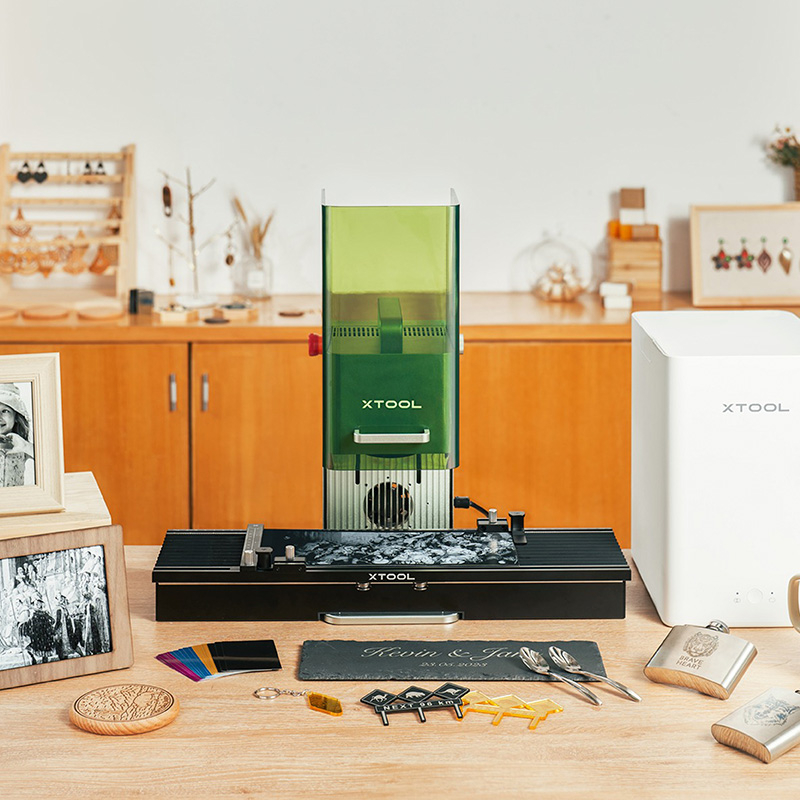
xTool S1: diode (option to include infrared module)
The xTool S1 can be an option by adding its infrared laser module, which expands the machine’s capabilities by enabling color engraving on metals. In this case, you get the same performance as the xTool F1’s infrared laser, but with a larger working area of 50 × 32 cm.
Therefore, this 2w infrared laser is also ideal for work on stainless steel, aluminium, and other thin metals. By combining 40w diode technology (the xTool F1 has 10w) with the infrared laser, the xTool S1 delivers professional results across a wide range of projects.
Advantages and Disadvantages of Colour Laser Engraving
Advantages
🔵 Long-lasting colours: Colour laser engraving offers durable colours that do not fade easily.
🔵 No consumables: Laser engraving does not require inks or other additional materials, which reduces maintenance costs.
Disadvantages
🔴 Operational difficulty: This technique is complex and requires testing or colour trials for each new product you wish to customise. Once the parameters are selected, you can save them for future customisations on that specific material.
🔴 Less colour richness: Laser engraving may not provide the same variety and vibrancy of tones as UV printing.
Colour laser engraving can make your products stand out even more with a unique and personalised touch. Are you ready to explore all the possibilities that colour laser engraving offers?
Let us know by leaving a comment! If you have any questions, share them with us in the comments. Our team will be delighted to provide you with answers and assistance. You can also contact our Customer Service department directly for additional help.
Remember that on our social media, we daily share a wealth of ideas, offers, and the latest news related to various personalisation techniques. To stay updated on everything, follow us on Instagram and TikTok. And don't forget to subscribe to our YouTube channel to keep learning with us!
See you in the next post!
👇 Other articles that may be of interest to you:
🤔 xTool vs. AtomStack: which is better if you're just starting out?
🔥Everything you can engrave with the new xTool F2 Ultra UV
🔥 What is the difference between the new xTool P3 laser machine and the P2S?
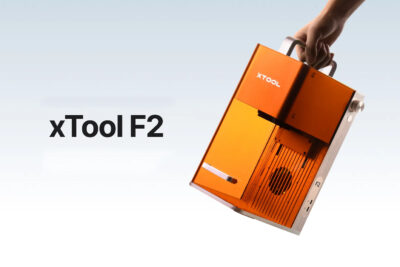
🔥 xTool F2: the new laser for engraving from anywhere
WE WANT TO KNOW WHAT YOU THINK
You may also like